









































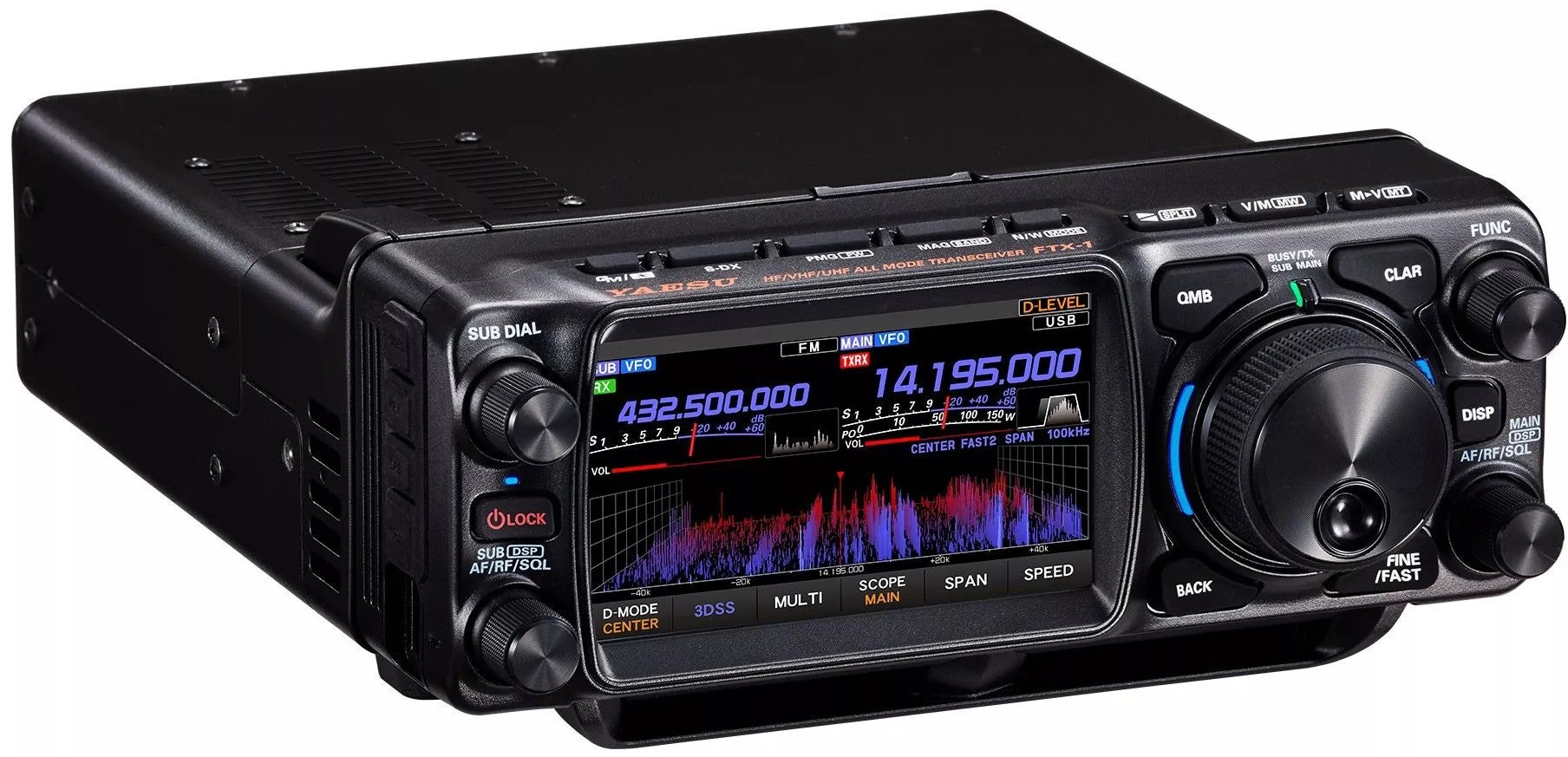

YAESU FTX-1 SERIES: WIDEBAND MODIFICATION GUIDE
MARS/CAP Expansion and Hardware Optimization
The Yaesu FTX-1 Series (Field/Optima) represents the new frontier of portable SDR transceivers. To unlock its full operational potential, especially for MARS or CAP use, activating extended transmission (Wideband Mod) is a crucial step.
TECHNICAL NOTICE AND WARRANTY
Performing hardware modifications alters the factory configuration. Tampering with the jumpers will immediately void the official warranty, unless the intervention is performed by HamRadioShop or an authorized Yaesu Italia service center.
1. The Hardware Intervention
The modification consists of altering a configuration flag via an SMD component on the Main PCB. This allows the microcontroller (MCU) to enable the frequencies supported by the power amplifier (PA).
Required Equipment:
- Professional soldering station with a high-resolution tip.
- ESD protection (anti-static mat and wrist strap).
- Optical microscope or stereoscopic lens.
- "No-clean" soldering flux and Sn/Ag/Cu alloy.
2. Disassembly Guide
Phase A: Accessing the PCB
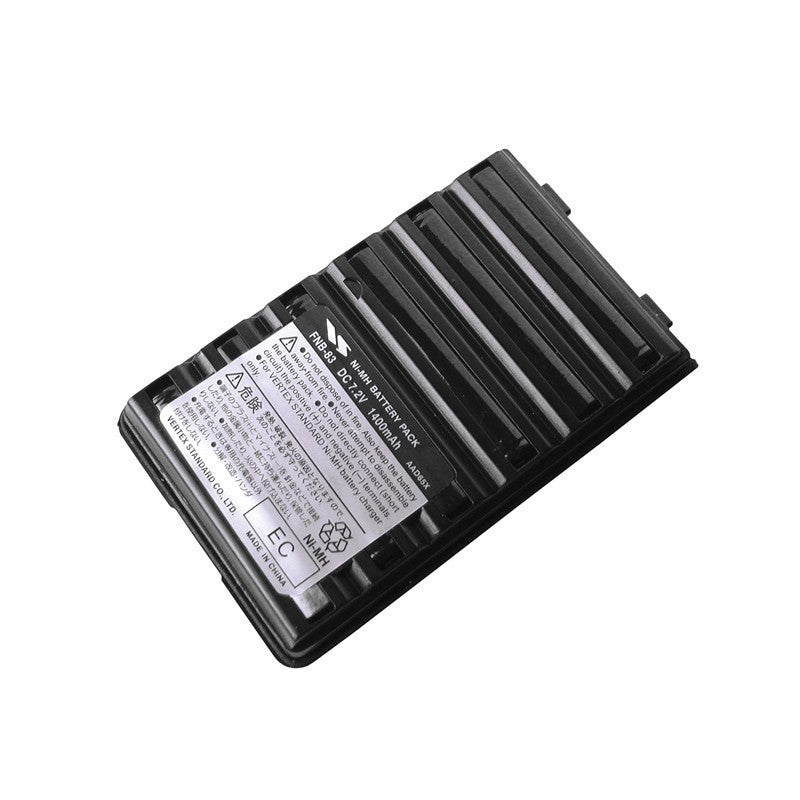
- Disconnect external power and SBR-52LI battery.
- Remove the screws from the bottom cover (radio base).
- Gently lift the cover to expose the shielding.
Phase B: Separating the Front Head
- Locate the flat cables: they are extremely fragile.
- Unlock the ZIF connector clamps with plastic tools.
- Slide out the cables and separate the front panel from the radio body.
JUMPER J1 LOCATION
On the Main PCB, locate the pads of Jumper J1. The technical procedure involves short-circuiting the two pads with a precise drop of solder. This intervention modifies the regional code in the firmware, unlocking band limits when the device starts up.
Laboratory Photographic References


Coverage Post-Modification
| BAND | EXTENDED RANGE (TX) |
|---|---|
| HF / 50MHz | 1.8 MHz - 54 MHz (Continuous) |
| VHF (2m) | 144 MHz - 148 MHz |
| UHF (70cm) | 430 MHz - 450 MHz |
MICROCONTROLLER (MCU) RESET
To apply the modification, perform a Hard Reset by holding down the [POWER] + [BACK] + [V/M] buttons when turning on. Confirm the Full Reset to re-initialize the band limits.
HamRadioShop | Specialized Yaesu Technical Support

