




































MorCoNI Support Center
Quick Guide, Connections & Official Downloads
Quick Guide
This quick guide applies to units assembled, programmed, tested, and shipped by HamRadioShop. Your MORCONI was shipped with the latest available firmware version; no update is required.
System Identification:
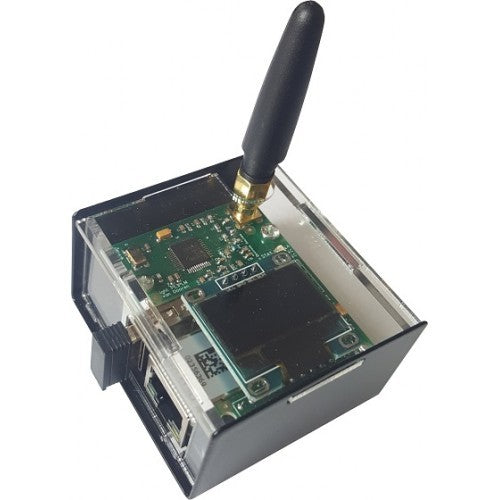
- Pre-assembled units are typically Black or Blue (depending on filament availability).
- The MORCONI FLEX and ALLRIGS Client feature the speed potentiometer on top of the case.
- After startup, Clients send a CW message (CFXXX/Y/Z or CGXXX/Y/Z) indicating firmware version, configuration, and mode (Remote/Local).
Connections & Pinout
Client (Flex & AllRigs)
KEY Jack (3.5mm TRS): For key, bug, or paddle.
Tip: Dit/Straight | Ring: Dash | Sleeve: GND.
SPK Jack (3.5mm TRS): Sidetone output for amplified speakers or PC audio input.
Tip/Ring: Audio | Sleeve: GND.
CW/PTT Jack (Deluxe Only): Controls local radio via solid-state relay.
Tip: CW Keying | Ring: PTT | Sleeve: GND.
AllRigs Server
CW/PTT Jack (3.5mm TRS): To be connected to the radio. Isolated via optocoupler.
Tip: CW Keying | Ring: PTT | Sleeve: GND.
First Setup & Network
The MicroSD card on the back contains the configuration file. Verify that the ServerIP or FlexIP parameter matches your remote destination.
NAT Rules: If you are using the system over the Internet, ensure that port 4992 (Flex) or 57373 (AllRigs Server) is open/redirected on the remote router.
Software & Downloads
MORCONI - an idea by Max, I8NHJ
© 2026 HamRadioShop - Exclusive Distributor