


















































RT SYSTEMS YPS-M300
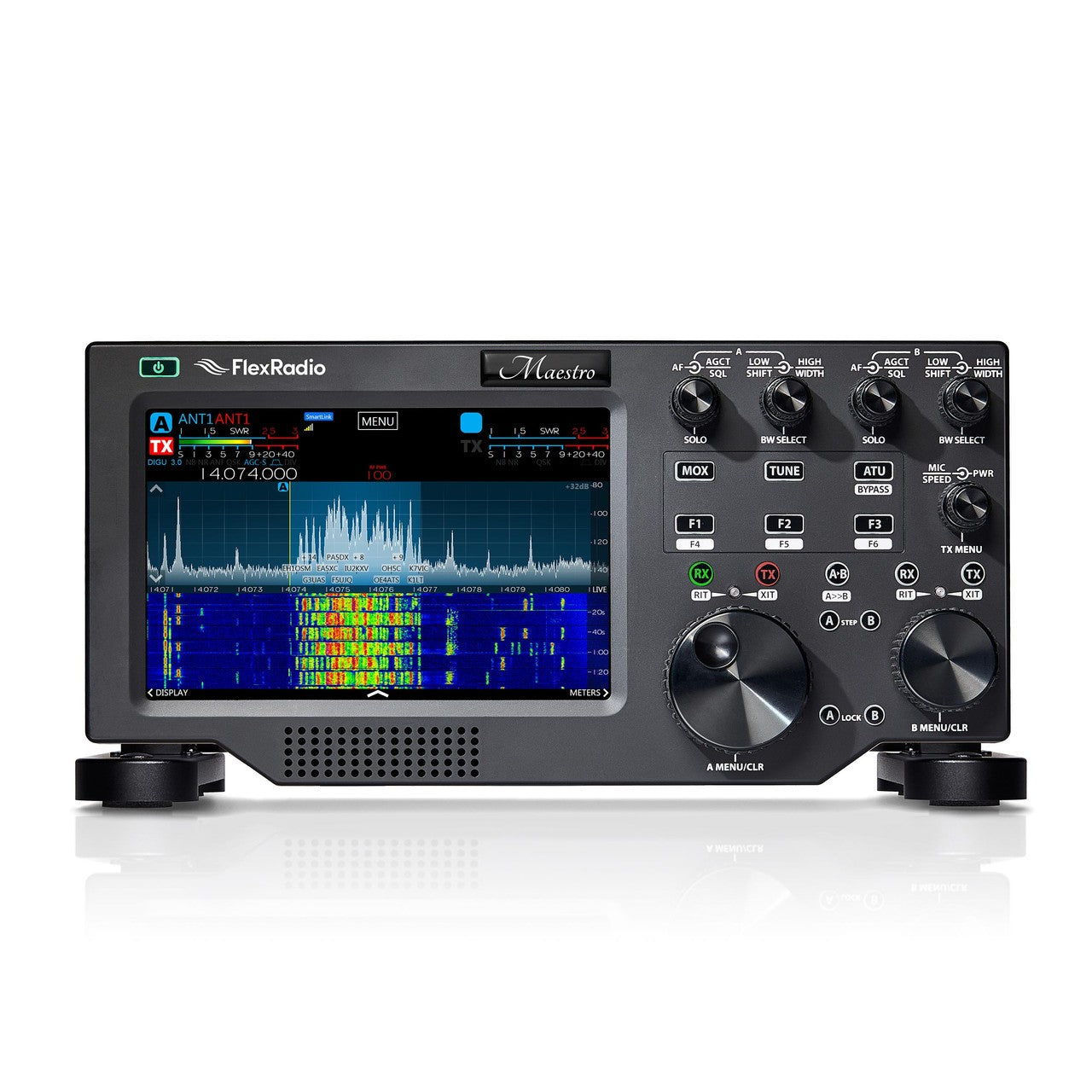
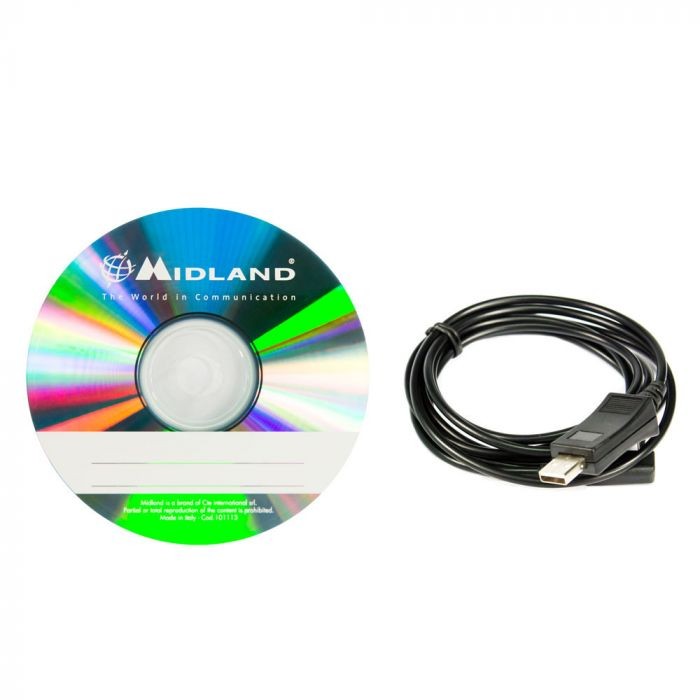
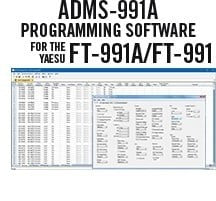
RT Systems YPS-M300 programming software makes it easy to manage memory channel information and other menu settings of the Yaesu FTM-300DR.
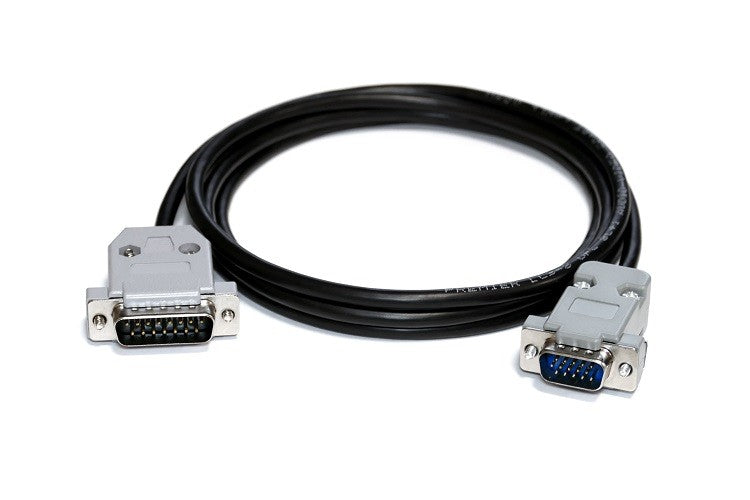
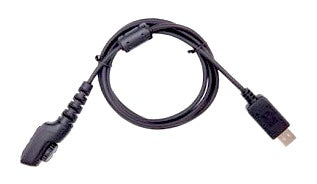
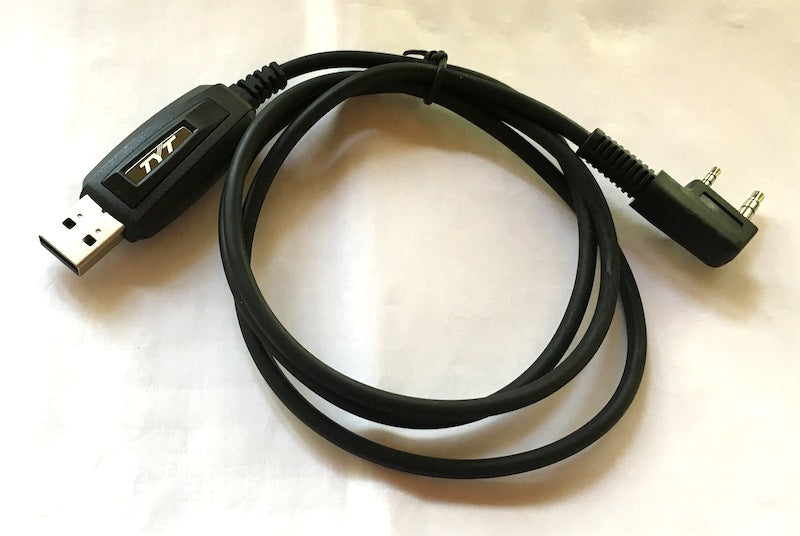
The FTM-300 radio can be programmed via the Yaesu SCU-56 or SCU-20 cable (now available as SCU-40 with other cables used for Fusion tasks), with a MicroSD card, or with the RT Systems USB-77 cable (available from this site). Click here for step-by-step details on using the SD card to program the radio. Note: SCU-20 and SCU-56 cables may not work on Win 11. More details on this issue are available here
The FTM-300 radio can be programmed via the Yaesu SCU-56 or SCU-20 cable (now available as SCU-40 with other cables used for Fusion tasks), with a MicroSD card, or with the RT Systems USB-77 cable (available from this site). Click here for step-by-step details on using the SD card to program the radio. Note: SCU-20 and SCU-56 cables may not work on Win 11. More details on this issue are available here
- Spreadsheet layout with many point-and-click options.
- "Read" the current configuration from the radio to modify it or start from scratch in a new file.
- The programmer can copy and paste memory channel information between files.
- Batch edit columns to change multiple channels with minimal typing.
- A simple interface to Internet-based data to obtain repeater information for your location, a travel route, or a holiday destination. Repeater details available for locations inside and outside the USA. (separate purchase or subscription may be required)
- Other built-in frequency lists to easily input memory channels (check File|External Data in the programmer before spending time looking for frequencies on the Internet. You might find exactly what you need!)
- Copy and paste spreadsheet or website data.
- Much more than just memory channel programming with settings for other radio menu entries.
-
RT Systems programming software for
- The Windows version requires Windows 8/8.1 (full version), Windows 10 for 32- and 64-bit platforms, or Windows 11.
- The Mac version requires Mac OS X 10.13.6 (64-bit) or later.