







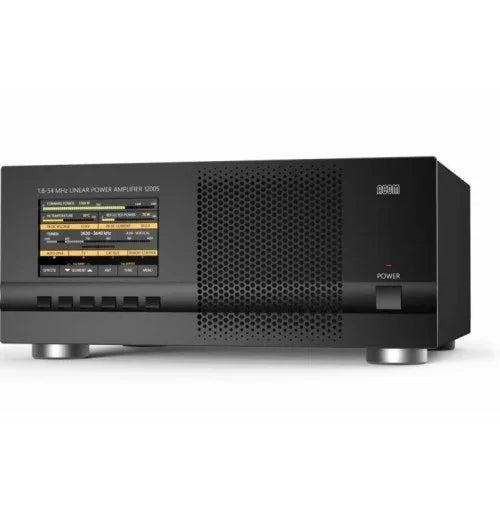



































ACOM eBox SS
Remote Control — Ethernet interface for ACOM solid-state amplifiers
Used item in as-new condition. The item offered is the ACOM eBox SS version.
This listing is for the SS version for solid-state amplifiers. The general ACOM eBox documentation lists the ACOM 500S, 600S, 700S and 1200S solid-state models. Before ordering, check the compatibility of your amplifier with this specific unit, the firmware and the required wiring.
Product Description
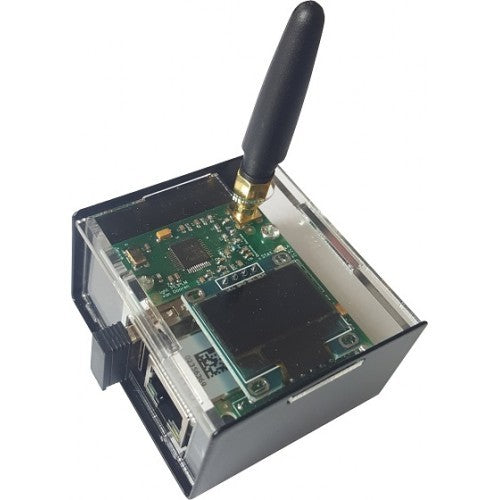
The ACOM eBox SS Remote Control is an interface for integrating remote control of compatible ACOM solid-state amplifiers into an Ethernet network. It transfers commands and information between operator and amplifier, allowing the station to be managed through a web interface accessible from a browser. This unit is offered as used, as-new equipment.
The LAN port allows connection to a wired network, while the indicator lights gather the main status information in one place. Browser-based management does not require a specific operating system: any computer with a compatible browser can be used. Access from an external network requires an appropriate and secure network configuration.
Key Features
Unit for remote management of compatible ACOM solid-state amplifiers, with prior verification of model, firmware and wiring.
RJ45 LAN connection and browser-based administration to send commands and receive information from the amplifier.
LAN, REMOTE, OPER, PWR, LOCAL and STBY indicators to check the unit’s status during setup and use.
The eBox platform supports firmware updates. Check the installed version and follow ACOM’s instructions before updating.
The HamRadioShop Team’s Opinion
For a reliable remote station, start by checking compatibility and doing a complete local test. Only after checking wiring, communication and switching between operating states is it advisable to move on to remote use.
Usage tips
- Consult the ACOM manual for the eBox and for the unit to be controlled before connecting the devices.
- Do the wiring with the equipment switched off and use power supplies and cables that comply with the manufacturer’s specifications.
- Initially configure and test the system on the local network, checking the front indicators.
- For access from outside, protect your network and use a secure connection, avoiding exposing the device directly to the Internet.
- Before leaving the station unattended, check the shutdown procedures and the safety conditions of the whole installation.
Technical Specifications
| Brand | ACOM |
| Model / version | eBox SS Remote Control |
| Condition | Used, as new |
| Type | Ethernet interface for remote control of compatible ACOM solid-state amplifiers |
| Management | Web interface via browser |
| Front connection | LAN, RJ45 connector |
| Solid-state models listed by ACOM for the eBox platform | 500S, 600S, 700S, 1200S. Confirm compatibility of the specific SS unit, firmware and wiring before ordering. |
| Indicators | LAN, REMOTE, OPER, PWR, LOCAL, STBY |
| Country of manufacture | Bulgaria |
| Supplied items | To be confirmed before ordering. |
HamRadioShop | ACOM — Radio station accessories